Double tap to capture.
Hold for tones, drag to browse, double tap to take the shot. Your eyes stay on the moment, not on buttons.
Your iPhone decides how every photo looks, then hands you filters to fix it. MONOLITH lets you choose first, and develops the shot from the sensor's raw data in your tone.
iOS 18.6+ · Open beta on TestFlight
The default camera decides the look for you. MONOLITH lets you choose before you capture: pick a tone in the viewfinder and see a live approximation while the final look is applied from Bayer RAW at capture.
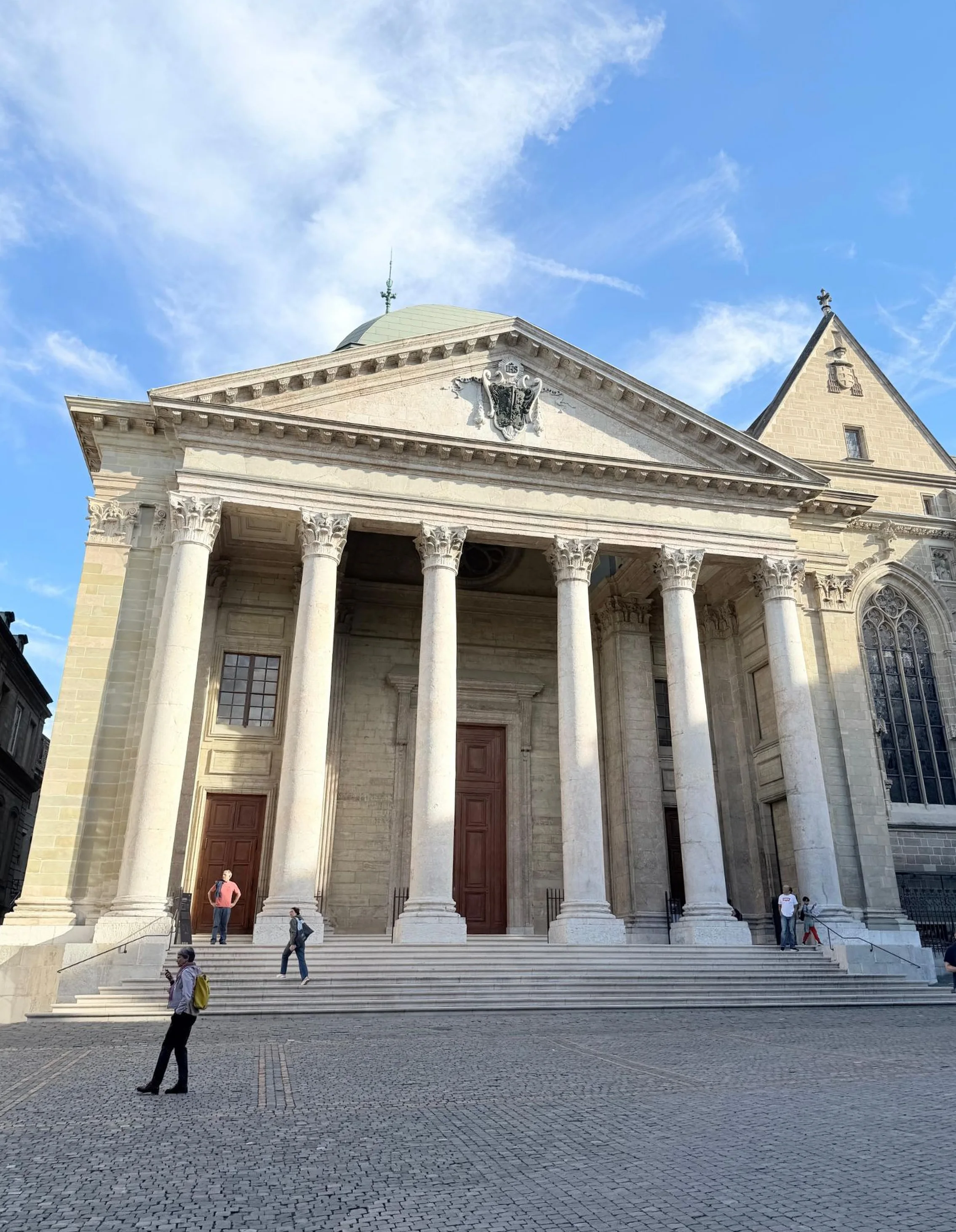
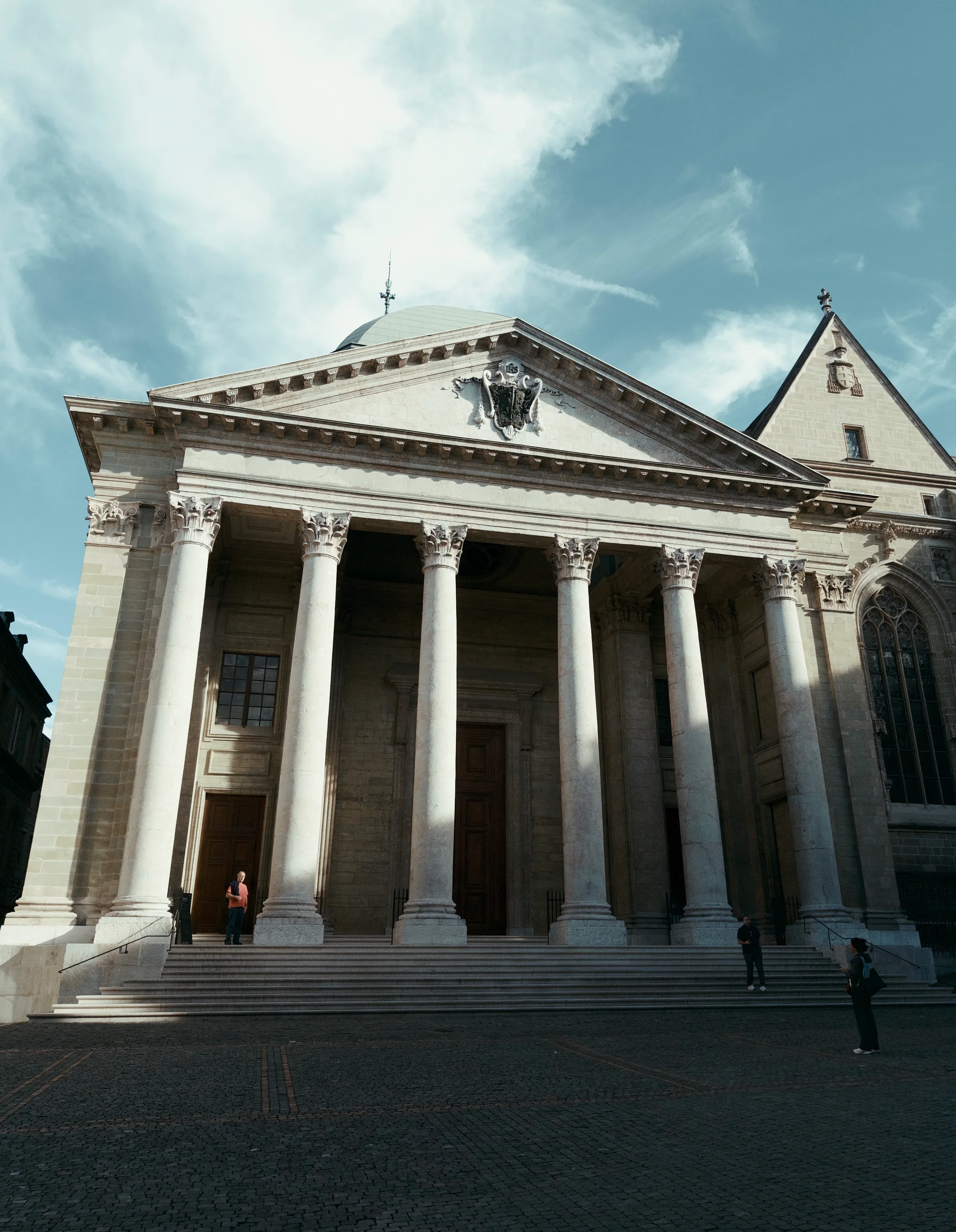
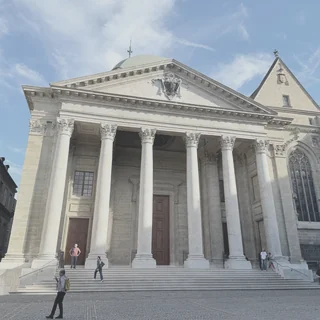
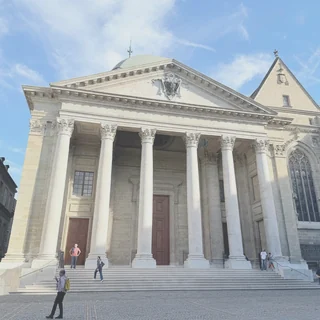
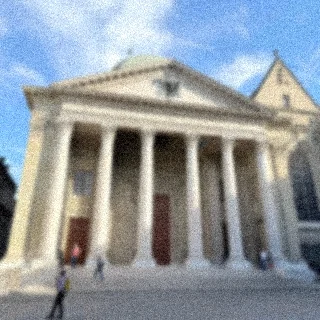
Captured moments apart in Geneva: the iOS Camera, and MONOLITH in Loch.
+26 more tones in the app.
The iPhone camera puts every photo through the same processing, then leaves the look to a filter afterwards. MONOLITH applies your tone first, to the sensor data itself, and leaves it there.
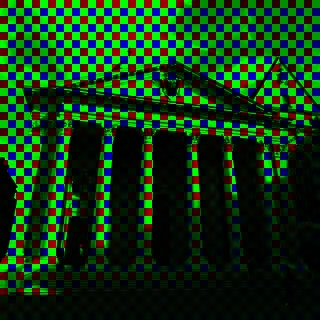 Sensor



 Several frames merged
 HDR tone mapping
 Sharpening and noise reductionSaved as HEICSensor
 Your tone, a 3D LUTSaved photo, with the RAW file if you choose
Hold for tones, drag to browse, double tap to take the shot. Your eyes stay on the moment, not on buttons.
Composition grids, crop guides for common aspect ratios and sensor formats, a horizon level and flash, each switched on from Settings.
Shoot Bayer RAW or ProRAW, import your own LUTs to use like the built-in tones, and set the grain to taste.
Bring a RAW image back in and render it through any tone, as often as you like.
No photo content or location data is ever transmitted. MONOLITH collects only anonymous, aggregate usage data, such as how many photos you have taken and which tones you use most, tied to a random install ID, never your name or Apple ID.
No ad SDKs, nothing sold. The details are in the privacy policy.
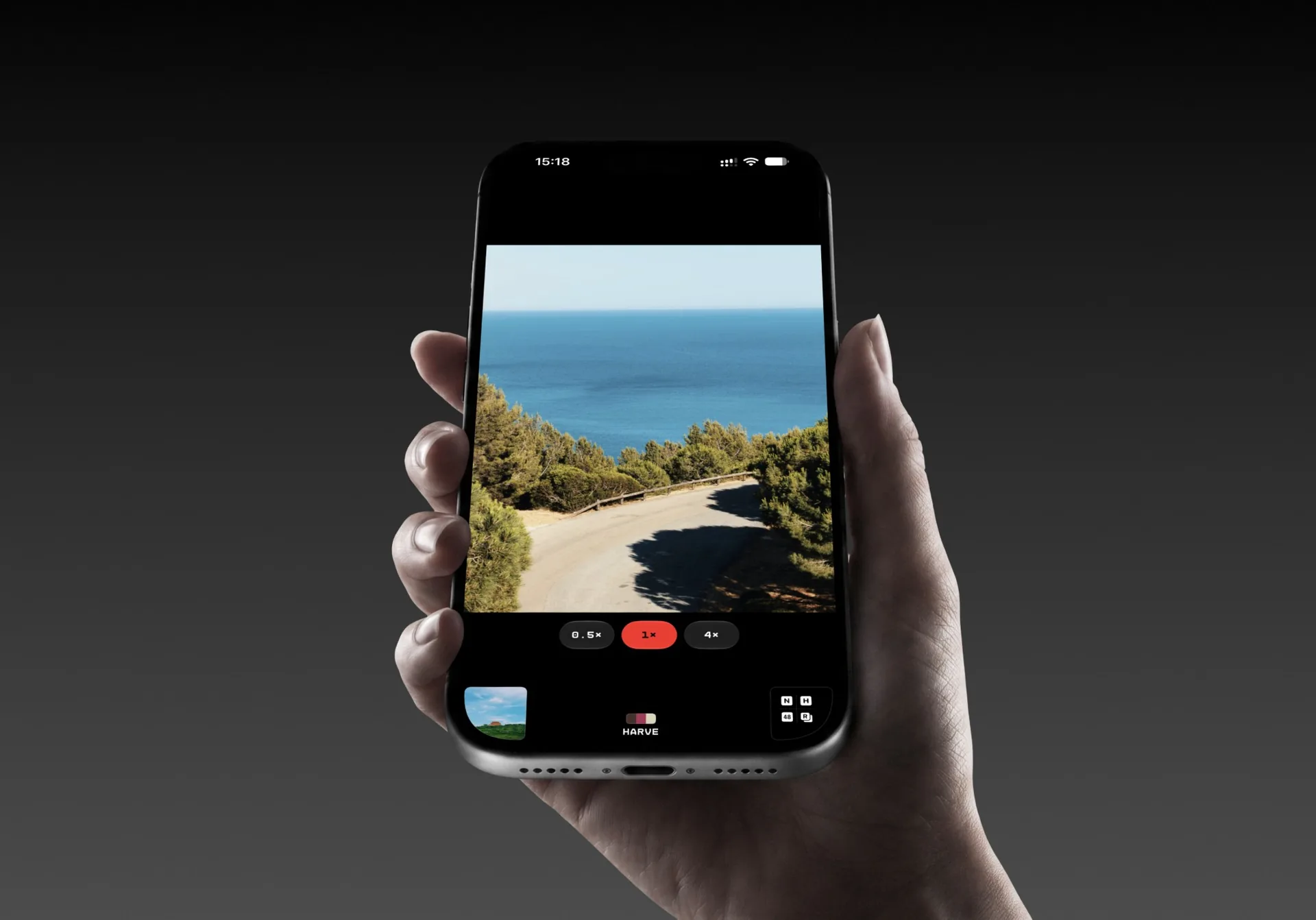
See if it is yours. The open beta is live now: join the current TestFlight build and start shooting right away.
What MONOLITH is and how its tone system works.
MONOLITH is an iPhone camera app that lets you choose the look before you shoot. Pick a film-inspired tone in the viewfinder, and it is developed into the photo from the sensor's RAW data at capture, through MONOLITH's own RAW processing, rather than added afterwards as a filter.
Tones are MONOLITH's version of a film stock. Each one applies a unique tone curve and colour grade to your RAW sensor data as the photo is captured, shaping mood and character before the image is ever saved. You can preview a live approximation of them in the viewfinder before shooting.
MONOLITH's default capture mode, which renders your tone from Bayer RAW. Camera support, preview behaviour, HDR and adaptive rendering.
Ultra-wide and telephoto lenses are not currently available in MONOLITH. Right now the app is built around the main rear camera because it provides the most predictable exposure response, RAW behaviour and tone separation across supported iPhones. The front-facing camera is also less consistent in indoor or mixed light because its smaller sensor, fixed optics and heavier Apple-side tuning shift skin tones, sharpening and noise reduction more from scene to scene. If you want support for a specific camera path, write to contact@atelierpatel.com.
The live viewfinder is an approximation of the selected tone, not the final Bayer RAW render. iOS does not allow MONOLITH's full RAW tone processing stack to run on the live preview stream, so the saved photo can differ slightly in contrast, colour, highlight rolloff and noise behaviour.
No. The current HDR path is single-frame and scene-adaptive. Earlier bracketed HDR experiments were removed because alignment failures and ghosting hurt results more than they helped. The adaptive engine also stays conservative: if a scene is too unfamiliar, or there is not enough prior data for the selected tone, it applies no extra adjustment at all. When it does engage, it nudges exposure, shadow lift, highlight rolloff and saturation instead of replacing the tone.
Yes. Choosing None skips the tone and routes capture toward the RAW or ProRAW path, which is the better option if you want a more neutral file to edit yourself.
How MONOLITH saves images and where they end up.
By default, MONOLITH saves processed photos as HEIF or JPEG. You can also enable Save DNG to keep the original unprocessed RAW file alongside every shot. Natural capture renders your tone from Bayer RAW sensor data, which iOS only provides at 12MP, so Natural photos are 12MP. Computational capture starts from ProRAW instead and captures at up to 48MP before your tone is applied. All photos are saved directly to your iPhone's Camera Roll in the standard iOS Photos library, exactly like the built-in camera.
Viewfinder controls, overlays and launch shortcuts.
Yes. MONOLITH includes composition grids (rule of thirds, diagonal), crop guides for common aspect ratios and sensor formats, a horizon level indicator, and a live tone preview overlay, all toggleable from Settings.
Yes. You can add MONOLITH to Control Center from iOS Settings, and you can also place it on your Lock Screen as a launch shortcut. Both options let you get into the camera faster without opening the app from the Home Screen first.
What MONOLITH tracks and what stays on your device.
MONOLITH collects anonymous, aggregate usage data: things like how many photos you have taken and which tones you use most. This is tied to a randomly generated install ID, never your name or Apple ID. No photo content or location data is ever transmitted.

MONOLITH is designed and built by Rushabh Patel at Atelier Patel, a software studio in Lausanne. Questions or beta feedback go straight to contact@atelierpatel.com.